Save links
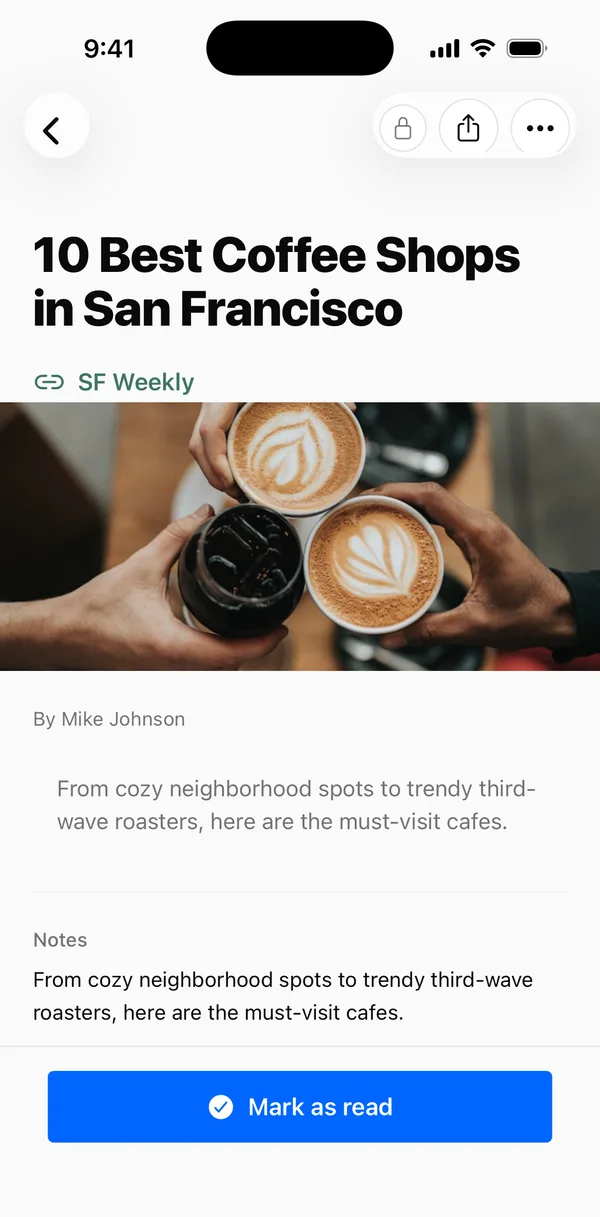
Paste any URL. Hako pulls the title, image, and description so you can find it again.
A calmer place for everything you save
Type, paste, or share. Hako figures out what it is — a link, a recipe, or a reminder — and puts it where you'll find it.
iPhone beta, shared through TestFlight.
See it in 30 seconds
Hako in 30 seconds
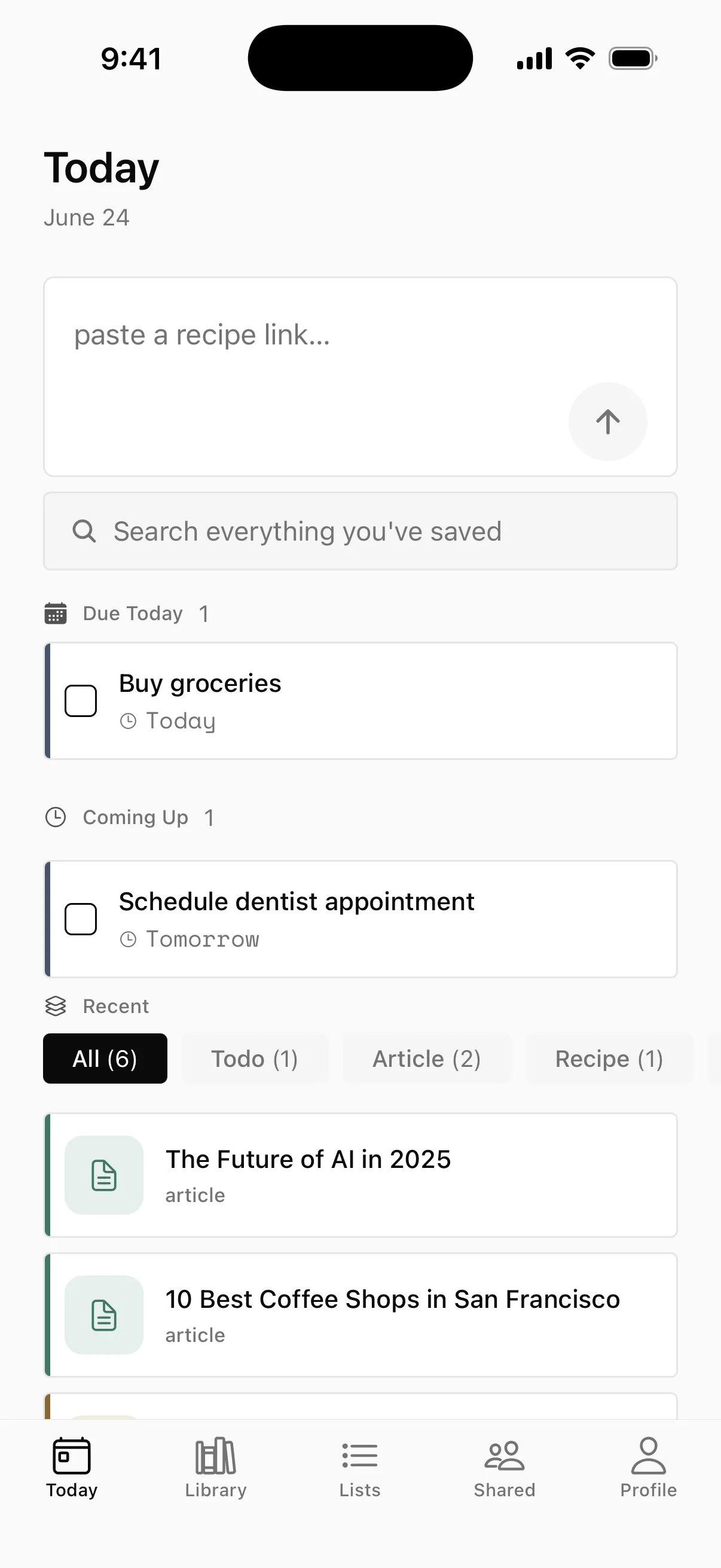
Paste a link, a recipe, or a reminder — Hako figures out what it is and files it where you'll find it.
Articles · Recipes · Todos
Paste any URL. Hako pulls the title, image, and description so you can find it again.
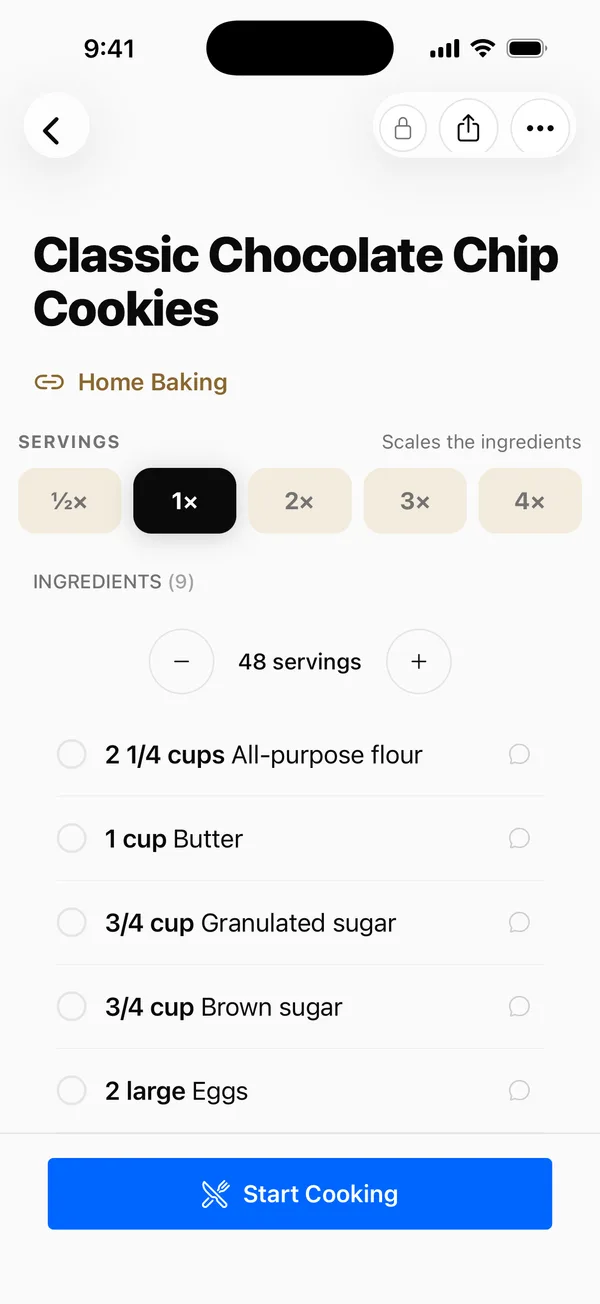
Drop in a recipe URL or paste the text. Hako extracts ingredients, steps, and times.
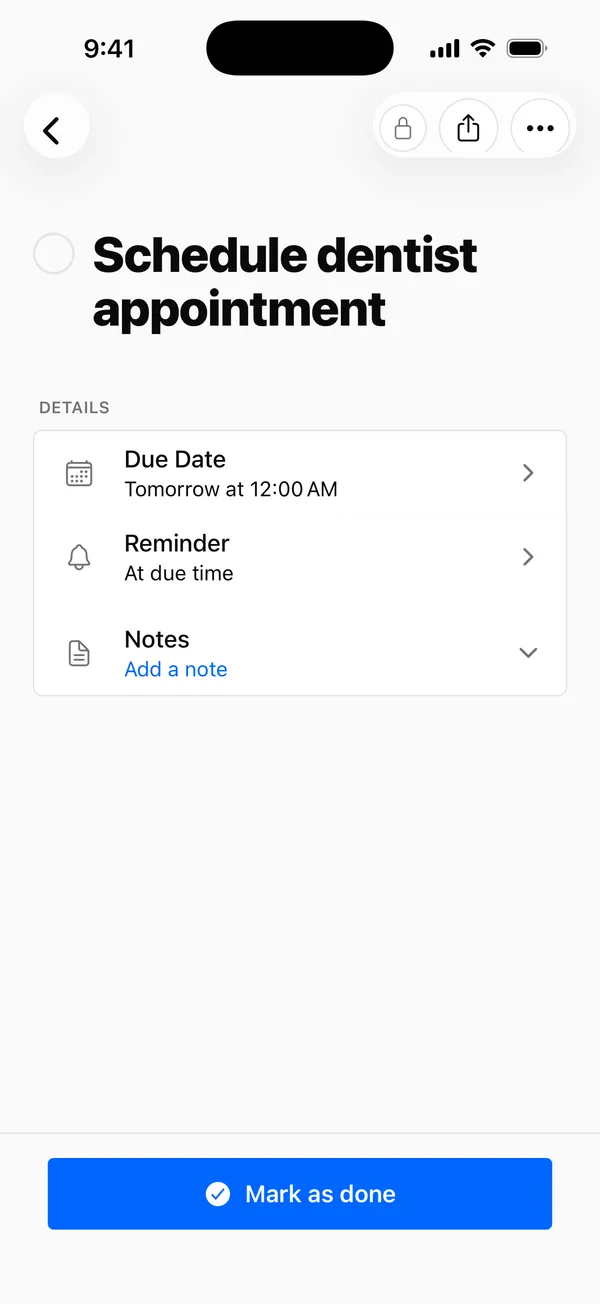
Type 'remind me to call mom tomorrow at 5pm' and Hako sets the reminder.
How it works
Anywhere you keep things — a URL, recipe, idea.
On your device when it can, on our servers when it can't.
Search, filter by type, hit reminders. No folders.
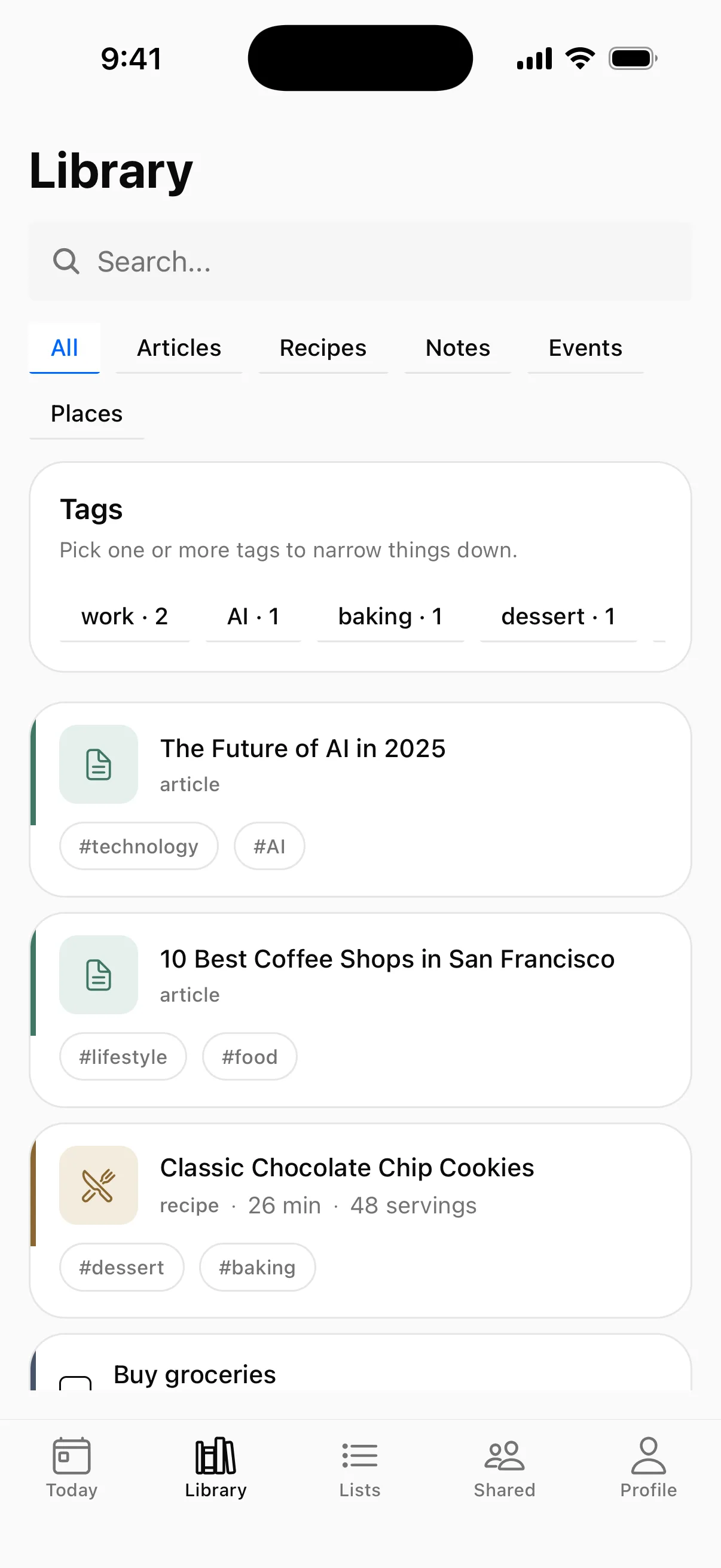
Everything in one place
Articles, recipes, and reminders live side by side — not scattered across apps. Search across everything, filter by type, or follow a tag. No folders to keep up with.
Private by default
Hako classifies on-device when your phone supports Apple Intelligence.
Your data isn't training anyone's model.